The 15 Best Patreon Alternatives [2026]
![The 15 Best Patreon Alternatives [2026]](/content/images/size/w1200/2026/02/1.jpg)
Patreon is still a major player in the creator economy. The platform hosts over 10 million monthly active supporters, and for many creators, it’s one of the first places fans think to go when they want to subscribe and support ongoing work.
Even so, plenty of creators begin exploring alternatives once they gain momentum. When your income becomes consistent, platform and processing fees can turn into a noticeable monthly expense instead of a small cost you ignore. You also spend more time on routine upkeep, sorting out tier changes, making sure people have the right access, and answering member messages when someone can’t find a post or isn’t seeing what they expected. On top of that, some creators want additional ways to monetize and more control over how their page and brand look to fans.
This article breaks down the best Patreon alternatives based on what each platform helps creators do, including subscriptions, pay-per-content, and digital product sales. You’ll see pros, cons, and pricing so you can choose the right fit faster.
Why Do Creators Want a Patreon Alternative?
Creators look for a Patreon alternative when the setup stops feeling smooth and starts feeling like work.
At the beginning, a membership page is enough. Later, you’re juggling tiers, perks, messages, links, and access rules. Fans get confused about what they’re getting, payments fail, people forget passwords, and you end up doing support instead of creating.
Many creators also switch because their income streams evolve. Maybe you started with monthly memberships, then you added paid chats, exclusive drops, livestreams, digital products, or a tighter community. If your platform doesn’t handle those well in one place, you end up duct-taping tools together, and the experience gets messy fast.
So the why usually comes down to four practical things: cost, friction, manual work, and control over how your brand shows up. Some of the other reasons include the following:
High Fees
Higher fees usually show up as your business grows. Platform percentages, payment processing, and upgrade costs all scale with revenue, so the better you do, the more you give up. Over time, that can mean paying thousands a year just to keep access running. When creators see a growing gap between what fans pay and what actually hits their bank account, it naturally pushes them to look for alternatives with clearer pricing and better value.
Disjointed Experience
Sometimes, Patreon can feel like too many steps for fans. They might subscribe in one place, read posts in another section, join conversations somewhere else, and hunt through old links to find exclusive content. That extra effort breaks momentum and weakens community engagement. When the experience feels confusing or fragmented, fans participate less, and creators start looking for alternatives that keep content, conversations, and access in one clear, easy-to-use place.
Lack of Automation
Creators look for alternatives when Patreon requires too much manual upkeep. When someone subscribes, upgrades a plan, purchases premium content, or cancels, the platform should automatically handle access changes. With Patreon, creators often end up monitoring who should see what, answering messages about missing content, or manually organizing tiers and perks.
Passes is built to remove that friction. It automates monetization and access management across memberships, subscriptions, paid messages, livestreams, and exclusive content. When a fan pays, the right content becomes available right away. When a subscription ends, access is automatically updated. That lets creators focus on creating and engaging instead of managing day-to-day operations.
Limited Branding Options
Branding limitations push creators to look elsewhere when their Patreon page stops feeling like their own. Patreon layouts and customization options can feel restrictive, which makes it harder to stand out or guide fans through a clear experience. Creators often want more control over how their page looks, how content is organized, and how fans interact, especially once their audience turns into a real business.
The Best Patreon Alternatives for Creators
The best platform depends on your content and how you monetize. A writer running paid newsletters needs something different than a streamer selling memberships, livestream access, and paid messages.
To build this list, we compared popular Patreon alternatives across the most common creator setups: subscriptions and memberships, pay-per-content, tips, digital downloads, storefronts, livestreaming, and community features. We also checked pricing and fees, how easy each platform is to set up, how well it automates access and payments, and how smooth the experience feels for fans.
1. Passes
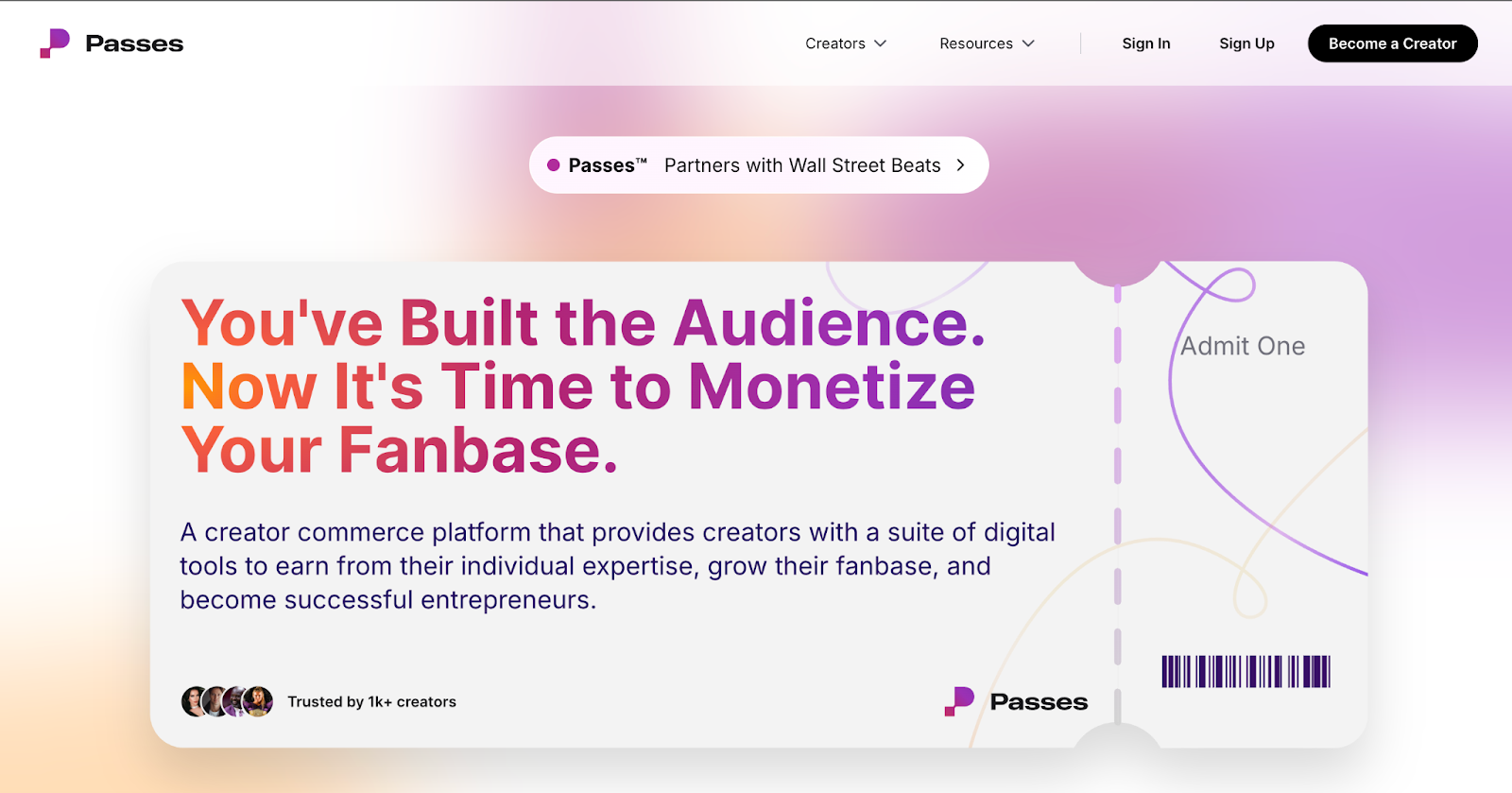
Passes is a creator commerce and monetization platform built for creators who already have momentum and want to turn that attention into a real business. The core idea is simple: if you’ve built a following across social channels, you already have fans who want deeper access. Passes gives you the tools to package that access, sell it, and grow it without relying on algorithm luck.
The platform leans hard into owned audiences and direct connection. Passes focuses on private, creator-controlled channels that help you build recurring revenue and stronger fan relationships. Passes offers enterprise-level security and moderation, plus a team that’s hands-on with creators, and it’s clearly built for people treating content like a serious income stream, not a side project.
Pros:
- Offers a highly competitive 90% revenue take-home for creators
- Supports multiple revenue streams in one platform, including memberships, subscriptions, paid DMs, livestreams, group chats, and a marketplace.
- Enables creators to monetize direct fan conversations through paid direct messages.
- Offers pay-per-minute 1:1 calls while keeping your personal number private.
- Protects locked content with screenshot blocking, unique watermarks, and DMCA takedown support.
Cons:
- Passes does not allow nudity or adult content.
- Passes requires at least 100,000 followers across social media accounts, with exceptions on a case-by-case basis.
Pricing: As low as 10% + $0.30 a transaction
2. Buy Me a Coffee
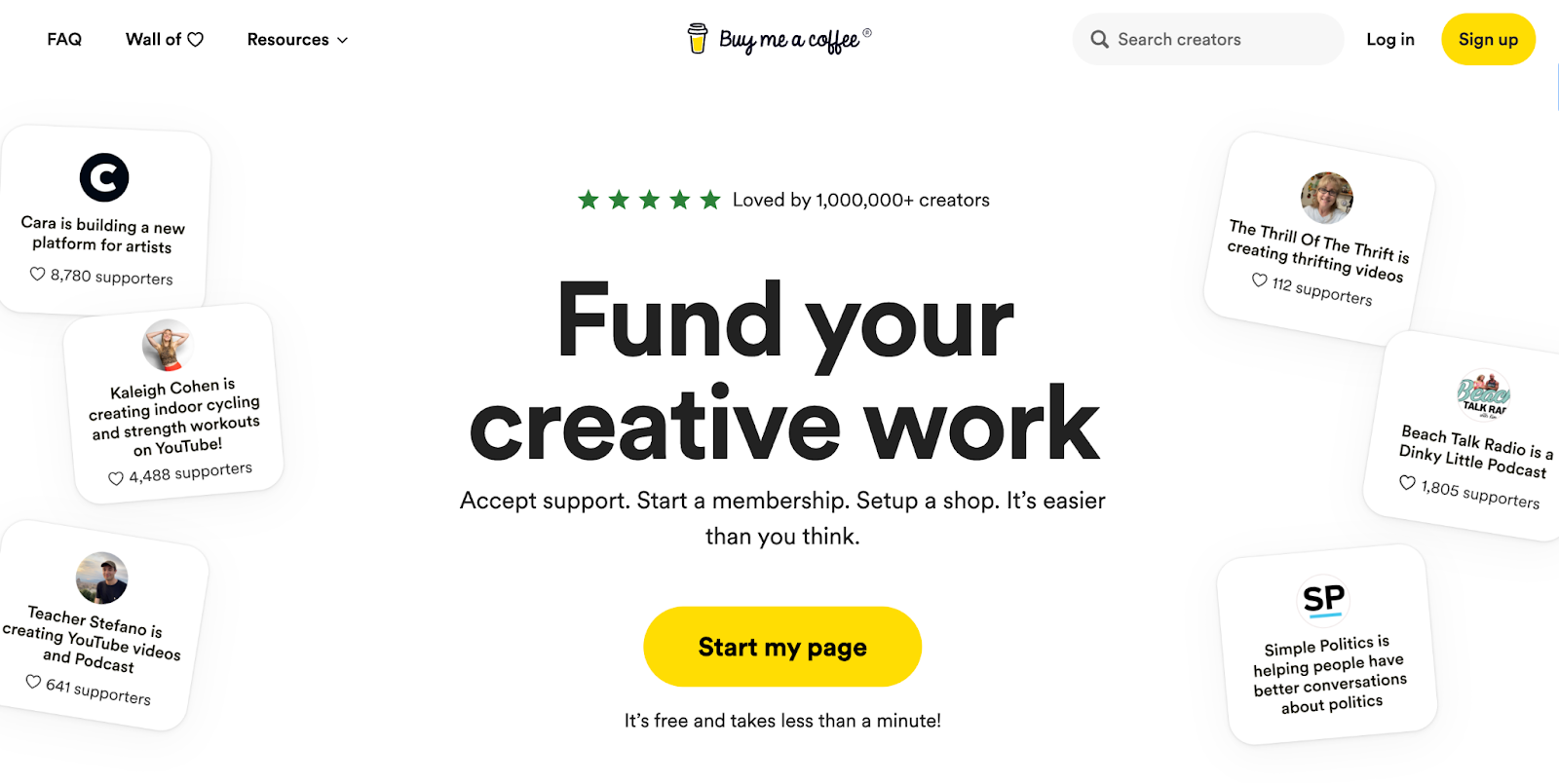
Buy Me a Coffee is a creator support and monetization platform that helps you earn directly from your audience through one-time payments, memberships, and a built-in shop. Fans can buy you a coffee in a couple of taps and leave a message, which makes it useful for creators who want lightweight support without turning everything into a full subscription.
Pros:
- Provides a clear onboarding process.
- Let's supporters send one-off payments with a message.
- Supports multiple content formats, including posts and audio.
Cons:
- Long waiting times for customer service.
- Longer waiting period for payments.
- Can be difficult to cancel subscriptions.
Pricing: Buy me a coffee charges a 5% transaction fee
3. Ghost
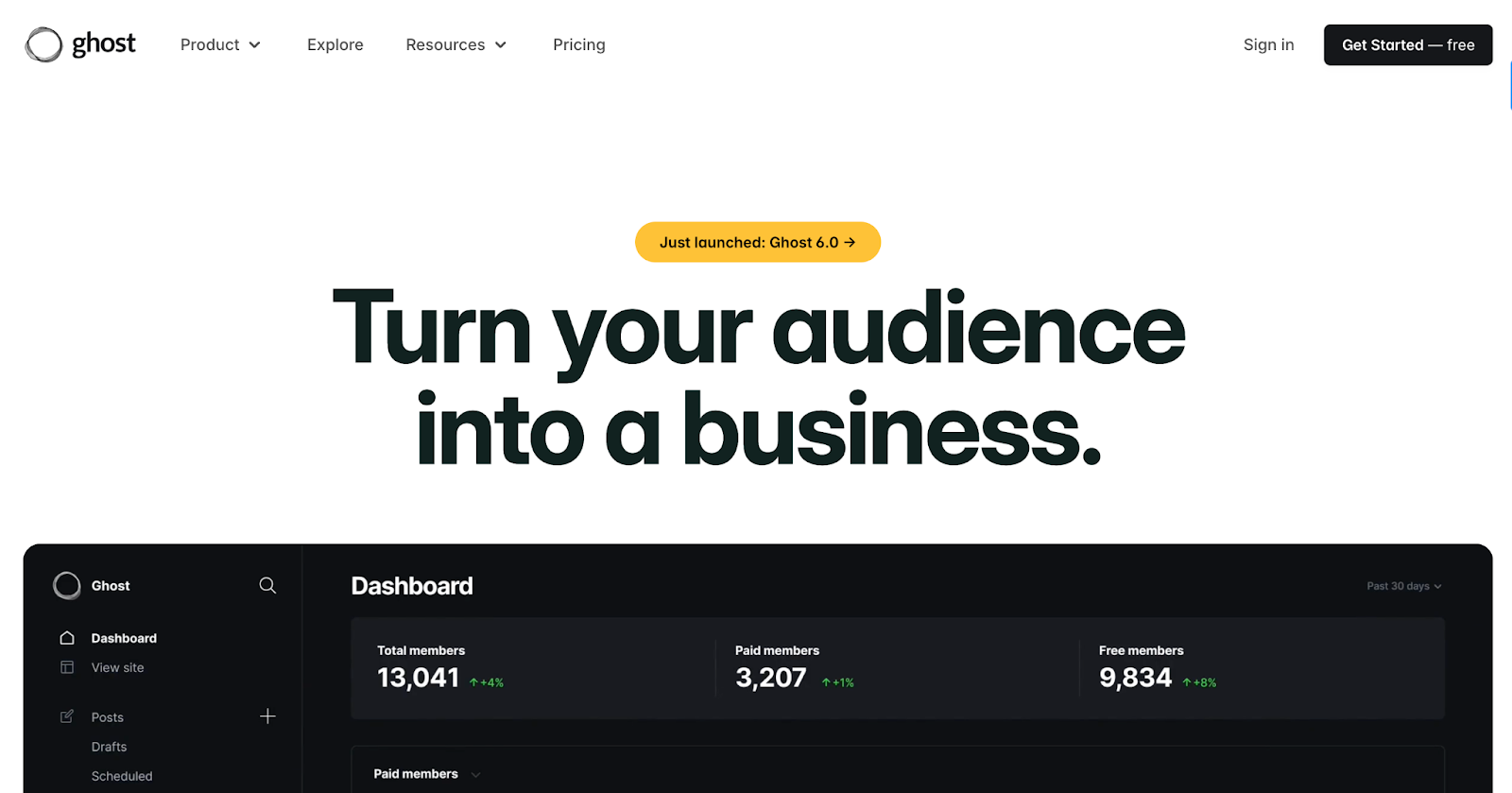
Ghost is an open-source publishing platform built for creators and publishers who want to run their own site and turn an audience into a business. You use it to build a branded website, publish posts, send newsletters, and offer paid memberships or private content, all inside one product. It also leans into ownership and control: you manage your audience data, choose your own theme or custom design, and plug into a big integrations library (analytics, email tools, community, automation, payments). Ghost is run by the Ghost Foundation and is funded by its users
Pros:
- Ghost runs as an open-source platform backed by the Ghost Foundation.
- The editor provides a distraction-free writing experience with real-time preview and rich content blocks.
- The platform supports themes and integrations and can run as a traditional site or a headless CMS.
Cons:
- Customization can feel limited if you want layouts beyond existing templates.
- A plugin ecosystem like WordPress is not available, so custom work often needs development help.
- A native mobile app is not included.
Pricing:
- Starter: $15/month
- Publisher: $29/month
- Business: $199/month
Custom: Not stated
4. GroupApp
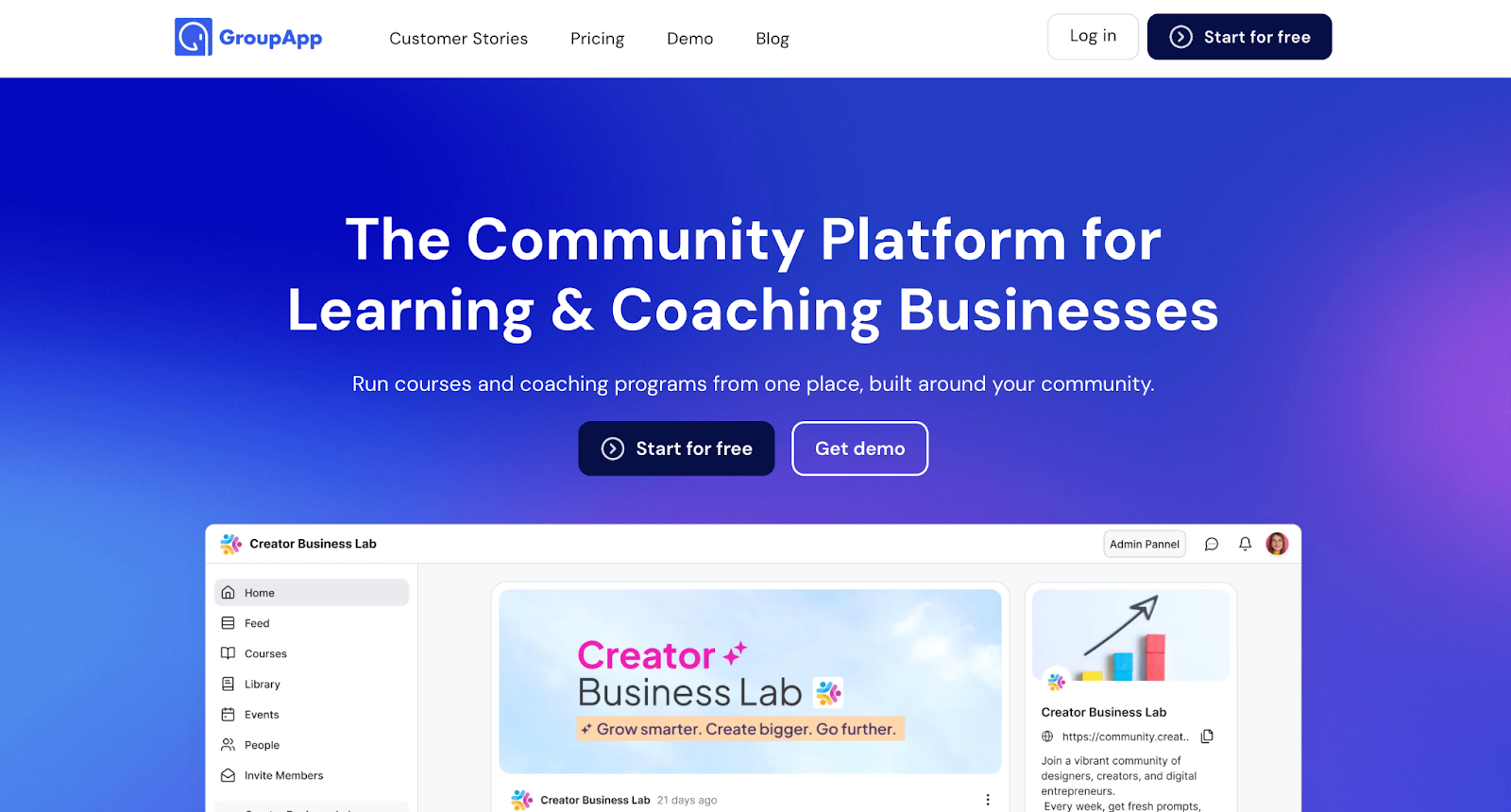
GroupApp is an all-in-one learning community platform designed for course creators, coaches, and program operators who want to run community, content, and payments in one system. It combines structured community spaces (channels, discussions, events, messaging, and a resource library) with course delivery tools such as lessons, assignments, drip scheduling, certificates, and progress reporting. GroupApp also includes landing pages for lead capture, workflow automations for onboarding and member journeys, built-in checkout and pricing controls, and branding options like custom domains, theme colors, and a branded mobile app for iOS and Android.
Pros:
- Supports group onboarding sessions for setup and rollout.
- Offers community tools for sharing and co-creating.
- Supports multi-functional use cases for courses and communities.
Cons:
- Lacks key features such as gamification.
- Needs continued development and refinement.
- Offers limited storage capacity.
Pricing:
- Launch: $24/month
- Grow: $64/month
- Scale: $144/month
Organization: $384
5. Gumroad
Gumroad is a creator commerce platform that lets people sell digital products and subscriptions directly to their audience. It provides a storefront to list items, handle payments in multiple currencies, and deliver files or access to buyers. Creators can sell through a Gumroad product page, embed checkout on their own site, and connect Gumroad to other tools through integrations. It also includes features for running discounts, affiliates, automated workflows, and basic analytics to track sales and customer behavior.
Pros:
- Provides a smooth product setup and checkout flow.
- Supports selling digital products with built-in payments.
- Offers accounting and analytics tools for tracking sales and taxes.
Cons:
- Responds slowly in some support cases and relies on automated replies.
- Attempts to recover refunded amounts through linked payout methods.
- Deletes or removes published content without clear explanation in some cases.
Pricing: 10% + $0.50 per transaction
6. Indiegogo
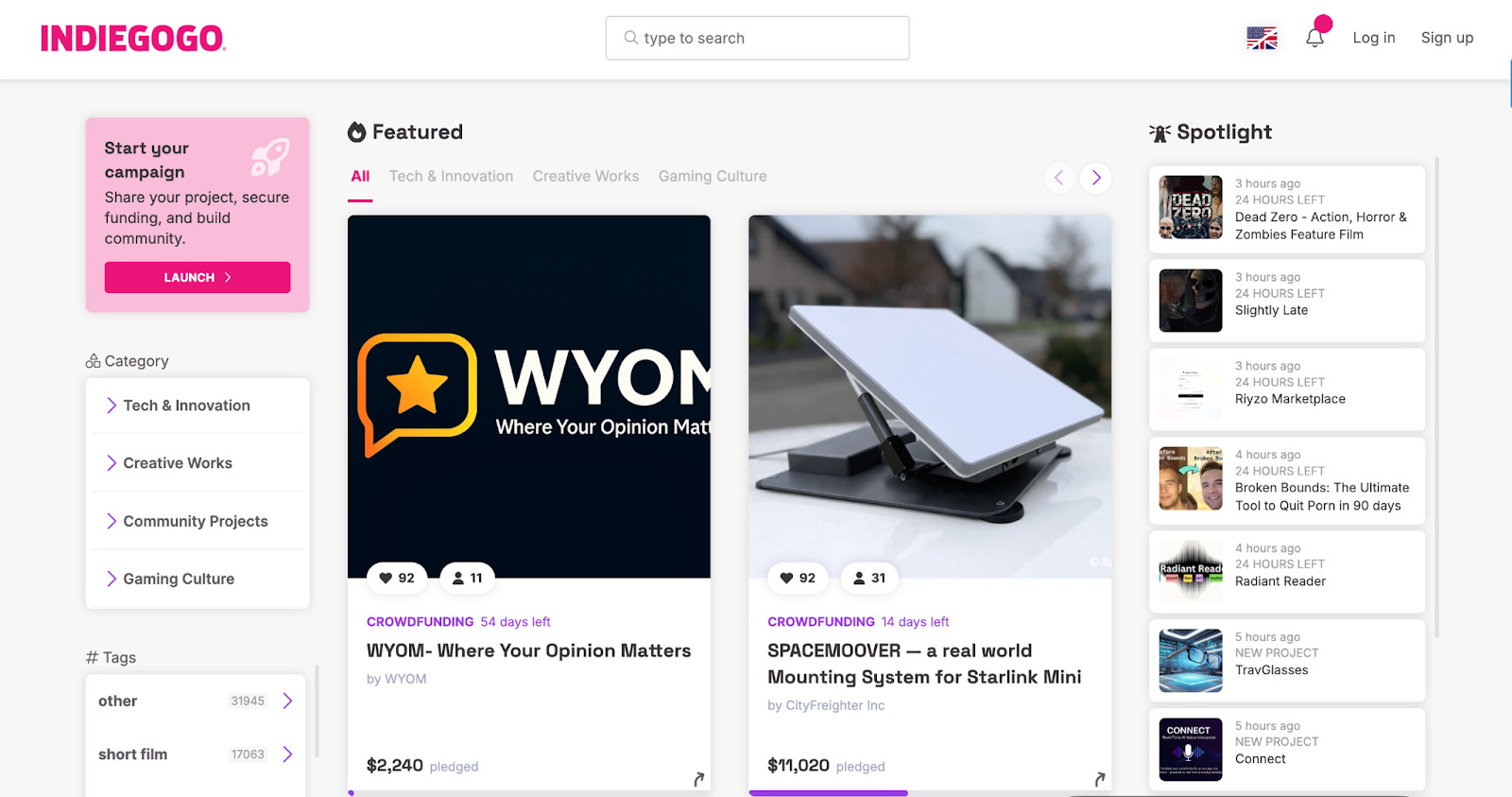
Indiegogo is a crowdfunding platform that helps creators and entrepreneurs raise money for projects before or during production. It’s commonly used for physical products, creative projects, and technology launches, allowing creators to collect funds directly from supporters in exchange for early access, perks, or updates. The platform supports both fixed and flexible funding models, campaign pages with storytelling and updates, and tools to communicate with backers throughout the campaign lifecycle.
Pros:
- Provides regular updates and delivers the product as scheduled.
- Offers a secure purchase flow, with taxes added at checkout.
- Provides end-to-end campaign support from pre-launch planning through launch and the In Demand phase.
Cons:
- Holds funds after collection and delays or refuses release.
- Creates uncertainty around payout timing and account resolution.
- Limits access to live customer support when problems arise.
Pricing: Platform fee of 5%
7. Ko-fi
Ko-fi is a creator support platform that launched in 2011 with the goal of letting people thank creators with money and a message, not only a like or upvote. It was built by creators, stays independent without outside investment, and focuses on direct support between creators and supporters. Over time, Ko-fi expanded into tools for tips, memberships, commissions, and a shop for creative projects, with an algorithm-free setup where creators control how they share, price, and manage what they offer.
Pros:
- Delivers excellent customer support
- Offers a simple, intuitive interface with a clean, well-designed layout.
- Provides clear communication and issue resolution through support.
Cons:
- Fails to display clear error messages when signup problems occur.
- Limits timely support responses for account-specific technical issues.
- Includes products that do not match promotional materials in some cases.
Pricing:
- Contributor: $0/month + 5% processing fees
Gold: $12/month and 0% processing fees
8. Medium
Medium is an online publishing platform where writers share articles with a built-in reader audience. It operates as a centralized publication rather than a creator-owned site, with content distributed through Medium’s platform and recommendation system. Writers can publish for free or join the Medium Partner Program to earn based on reader engagement, while Medium handles hosting, distribution, and audience access.
Pros:
- Makes it easy to edit posts and add images after publishing.
- Offers a wide range of stories across genres.
- Supports writer feedback and practice through community interaction.
Cons:
- Accounts get suspended based on reports with limited evidence shared.
- Customer support is unresponsive, leaving users without a resolution for billing issues.
- Users frequently report unanticipated subscription fees.
Pricing:
- Medium member: $5/month
- Friend of Medium: $15/month
9. Payhip
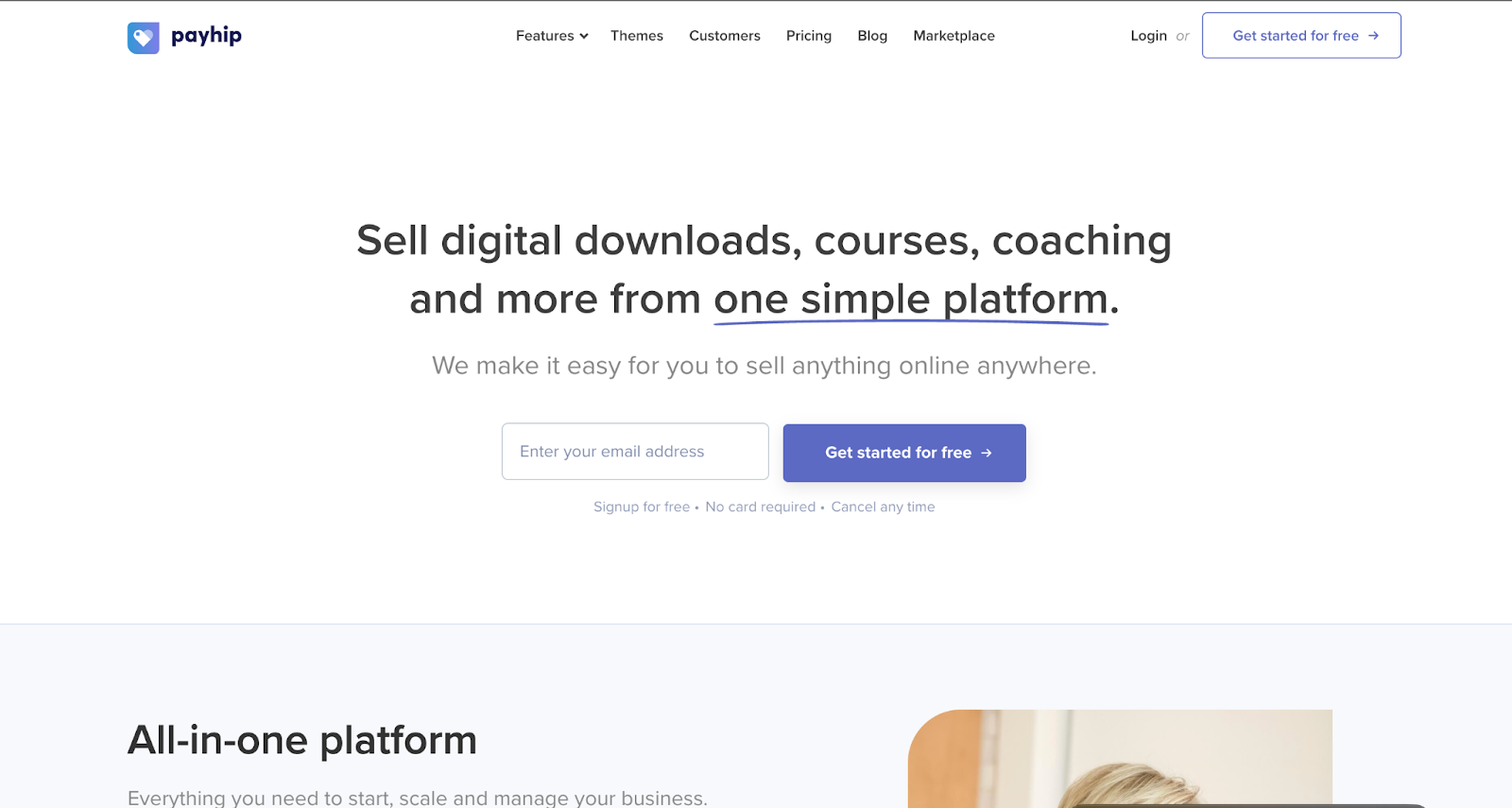
Payhip is an ecommerce platform that helps creators sell directly to their audience through digital downloads, online courses, coaching, memberships, and physical products. Founded in 2011, the company focuses on giving creators a single place to manage products, payments, delivery, and customer access, either through a Payhip storefront or by embedding checkout into an existing website. Payhip also handles requirements like VAT for digital goods in certain regions and provides tools for website building, custom domains, and basic marketing so creators can run their sales operation in one system.
Pros:
- Provides clear troubleshooting guidance, including step-by-step help and screenshots.
- Pays creators smoothly for digital product sales.
- Supports selling online with low upfront costs and a simple store setup.
Cons:
- Limits multilingual support by restricting translation on system pages like cart, checkout, login, and registration.
- Delays customer support responses when users request workarounds.
- Blocks or restricts repeated marketplace submission requests.
Pricing:
- Free
- Plus: $29/month
Pro: $99/month
10. Podia
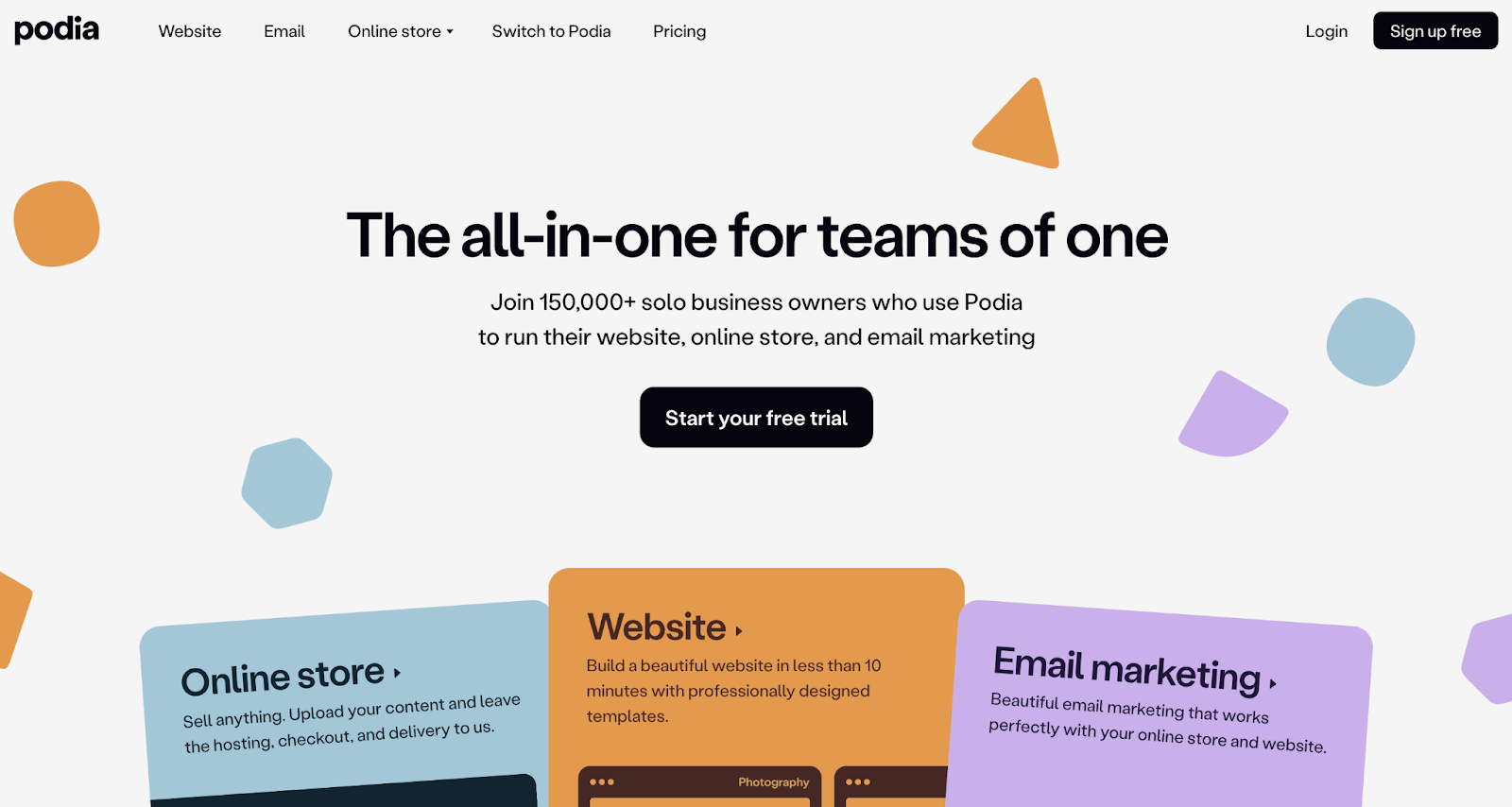
Podia is an all-in-one platform for solo entrepreneurs, including creators, coaches, and consultants. It combines a website builder, an online store, and email marketing in one system, so you can sell digital products like courses, downloads, memberships, webinars, coaching, and tickets while managing customers and communications in the same place. Podia positions the product around reducing the need for multiple tools and integrations by keeping your storefront, product delivery, and email list under one account.
Pros:
- Includes a built-in email system with strong deliverability for creators.
- Delivers responsive, professional customer support for platform questions.
- Provides an intuitive platform for building and organizing courses and digital content.
Cons:
- Lacks core features for creators and community managers.
- Does not track course completion status for certificates.
- Provides automated replies without timely human support.
Pricing:
- Mover: $39/month
Shaker: $89/month
11. Sellfy
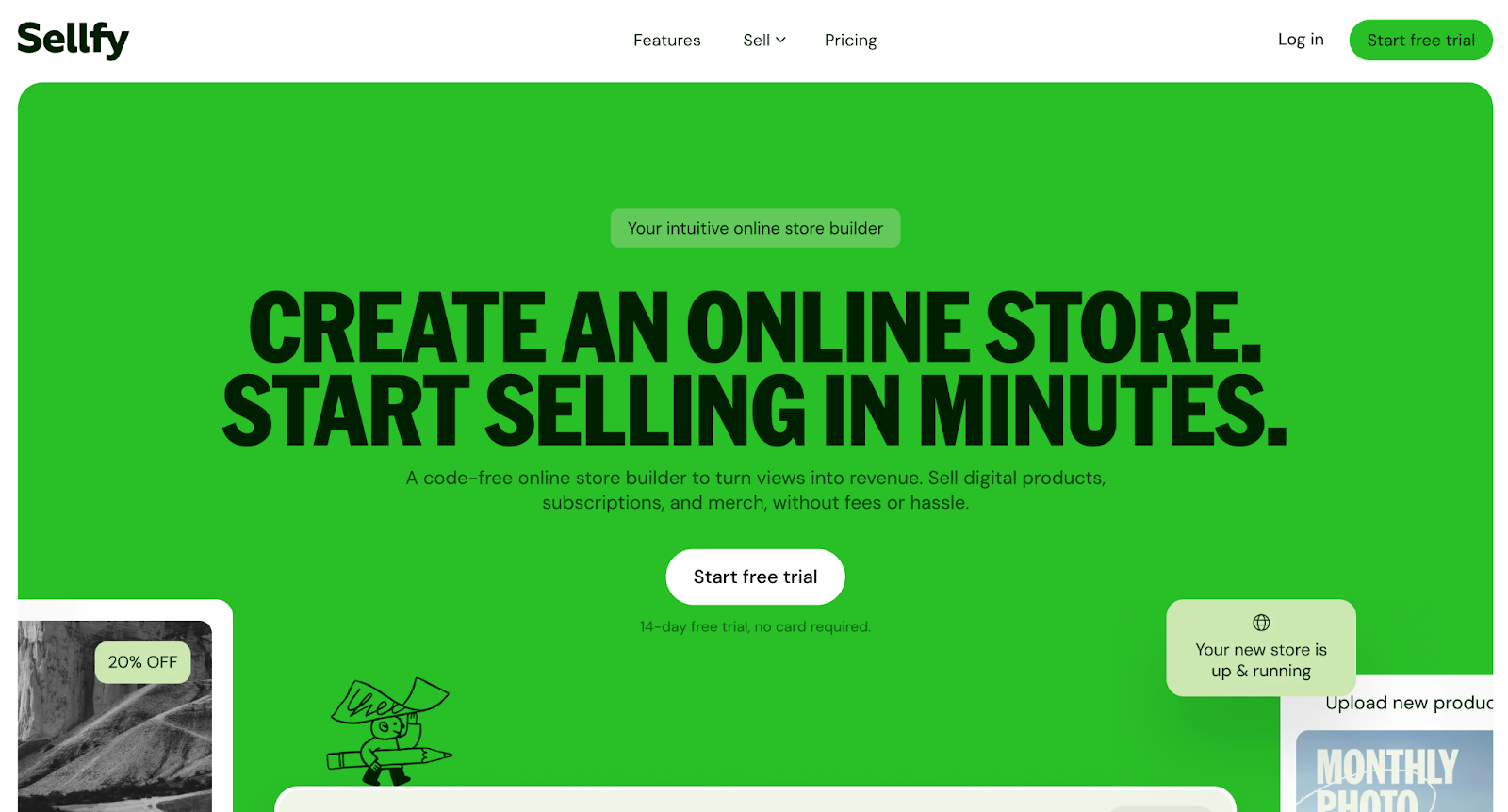
Sellfy is an online storefront platform that helps creators sell their work directly to customers. It supports digital products (like ebooks, music, videos, and design files), subscriptions for recurring access, physical products, and print-on-demand merchandise managed through the same store. Sellfy also includes built-in tools for checkout, discount codes, email marketing, upsells, cart recovery, and affiliate programs, with options to sell through a Sellfy storefront or embed “buy” buttons and product cards on an existing website or content channels.
Pros:
- Includes built-in tools like email marketing, automatic discounts, and coupon codes.
- Provides an easy-to-use dashboard for tracking customers and store activity.
- Delivers responsive support, including clear step-by-step guidance from the team.
Cons:
- Delivers unprofessional customer service in some cases.
- Triggers errors when users change subscription plans.
- Limits product export options by not offering CSV downloads.
Pricing:
- Starter: $22/month
- Business: $59/month
- Premium: $119/month
12. SendOwl
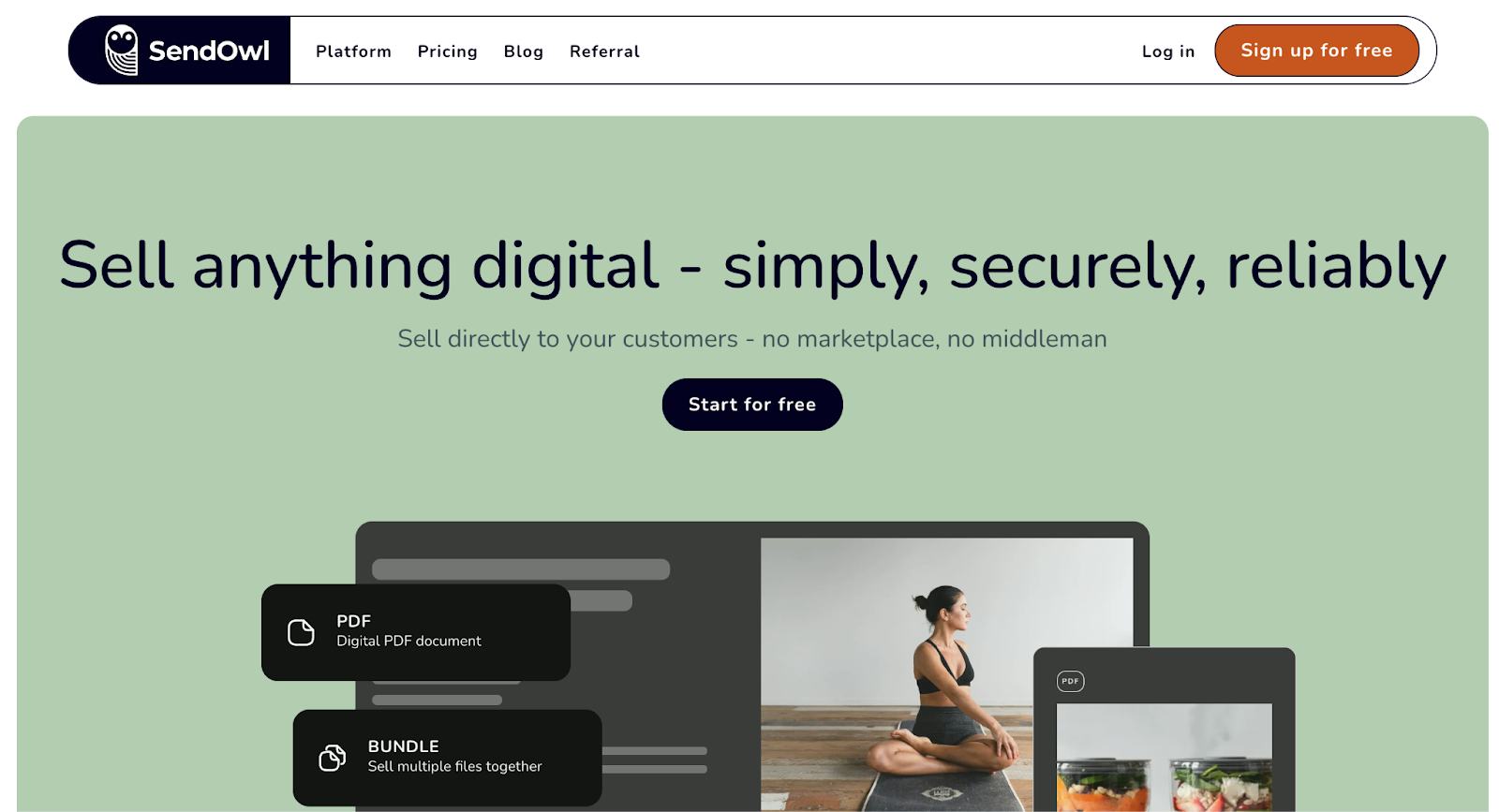
SendOwl is a digital commerce platform created to help people sell digital products directly to customers without relying on a marketplace. Founded in London, it focuses on the core components of digital delivery: uploading products, accepting payments via connected gateways, and securely delivering files or granting access after purchase. It supports a wide range of digital product types and selling models, including subscriptions, bundles, license keys, and drip content, and it can be used on your own site through embeds or integrations with tools like Shopify. SendOwl also includes features for protecting digital files, managing orders, running discounts and affiliate programs, and tracking sales and customer activity through reports and analytics.
Pros:
- Secures downloads and reduces sharing risk with PDF stamping features.
- Includes detailed documentation and help screens for setup and troubleshooting.
- Delivers clear pricing communication and rollout options for existing users.
Cons:
- Charges may continue after cancellation, and account cancellation can be difficult.
- Account closure requires emailing support to complete.
- Pricing is no longer suitable for simple license-key delivery needs.
Pricing:
- Starter: $39/month
- Standard: $87/month
Pro: $159/month
13. Substack
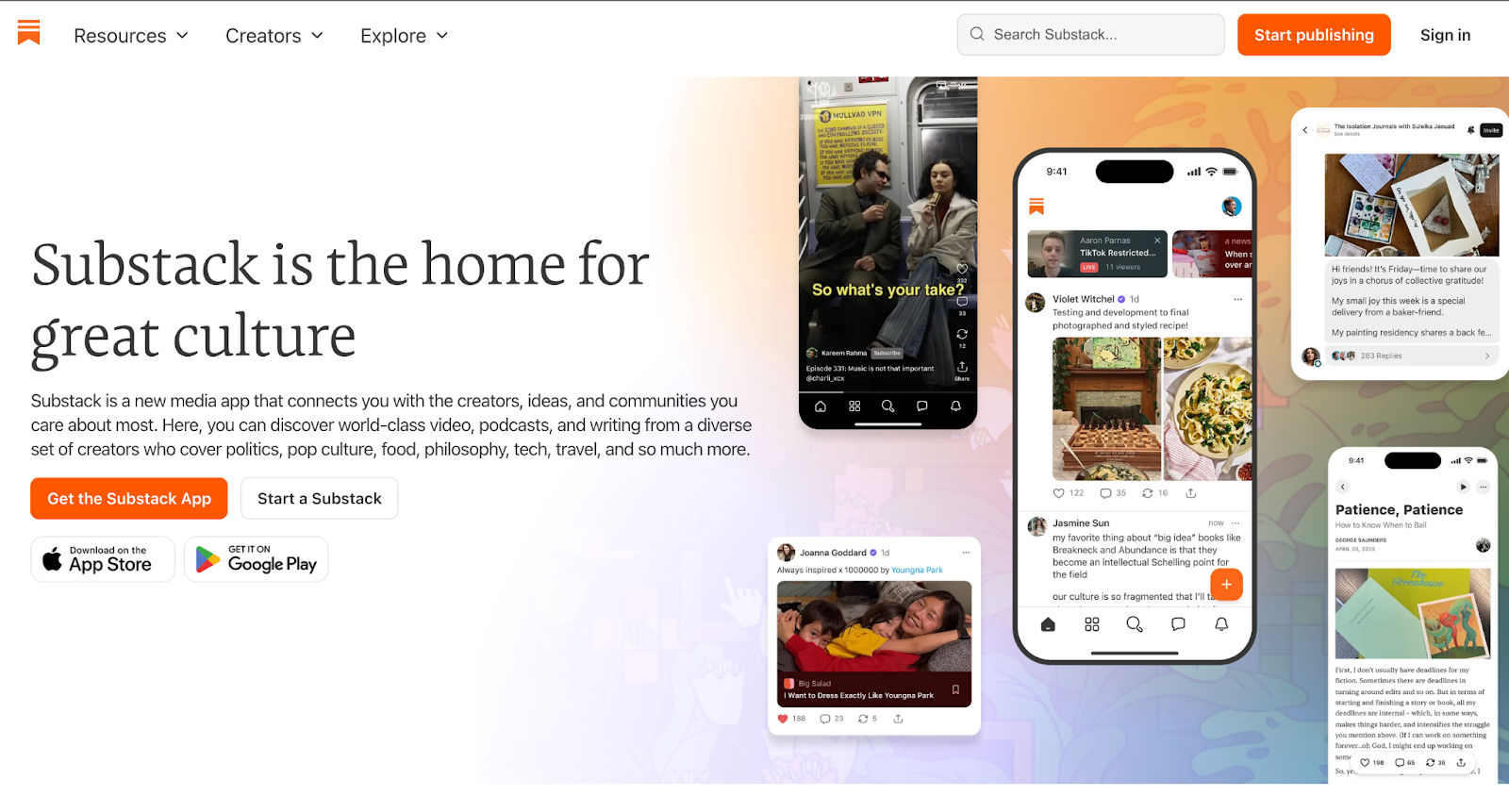
Substack is a publishing platform focused on email newsletters with built-in subscription support. Writers publish posts that are delivered directly to subscribers’ inboxes, with options for free and paid content. Substack handles hosting, email distribution, payments, and subscriber management, while content lives within the Substack platform rather than on a creator-owned website.
Pros:
- Saves time by supporting rapid delivery of business plan outputs within 24 hours.
- Offers an easy-to-use workflow for creating business plans.
- Provides affordable access compared to typical industry pricing.
Cons:
- Uses an AI support chat that may not resolve problems or escalate to a person.
- Limits reader engagement and feedback for writers.
- Frustrates users and delays the return of funds.
Pricing: 10% of each transaction
14. Teachable
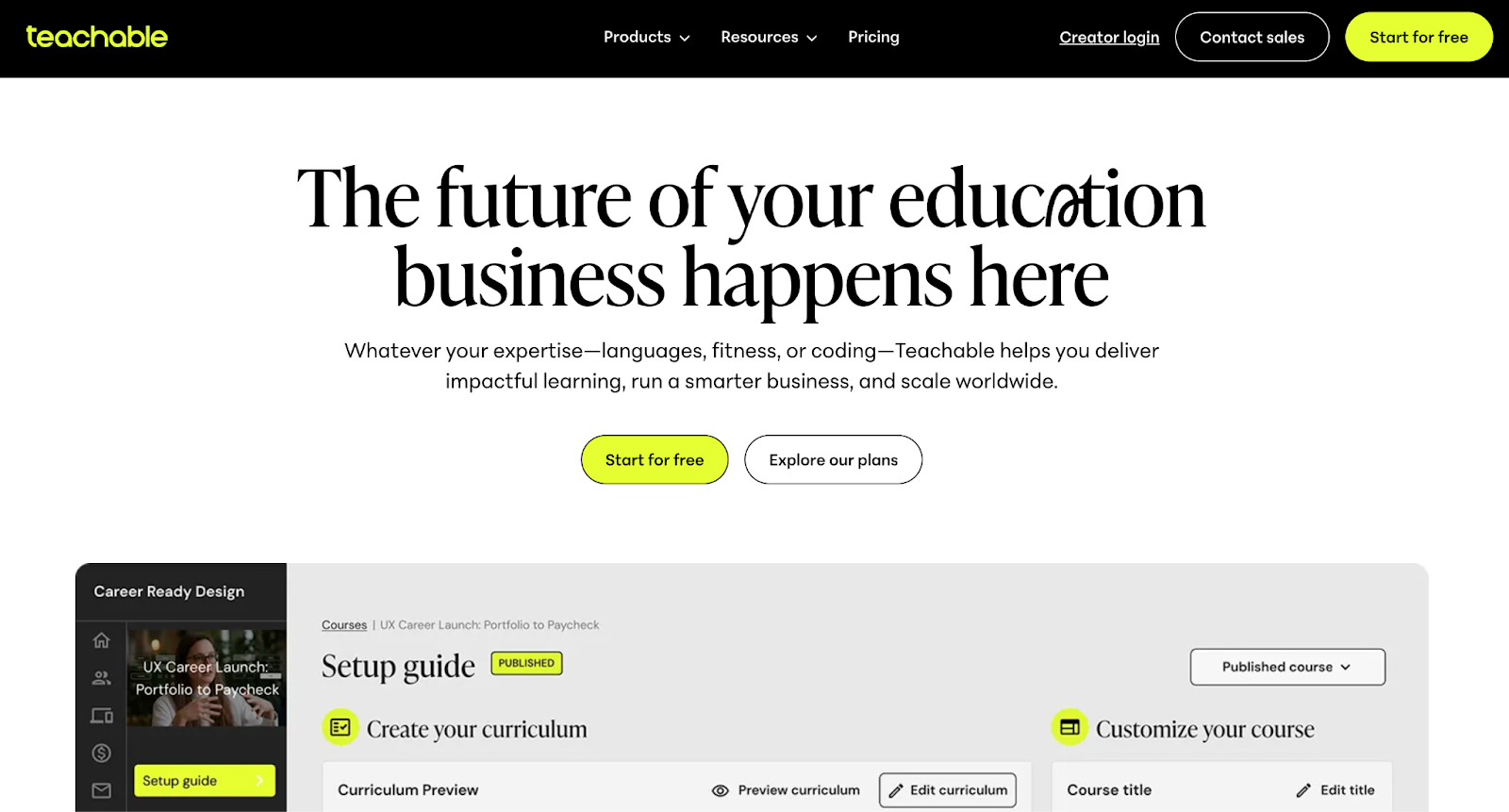
Teachable is an online course platform designed for creators and educators who sell structured learning products. It allows you to build and host courses, manage student access, accept payments, and deliver lessons through a branded course site. The platform supports video lessons, quizzes, certificates, and student management tools, with Teachable handling hosting, checkout, and course delivery while creators focus on content and curriculum.
Pros:
- Offers a platform with flexible creator options and special request support.
- Delivers responsive staff communication with clear guidance.
- Improves the platform through regular product updates.
Cons:
- Lacks offline functionality for accessing paid course content.
- Repeats troubleshooting steps without resolving the issue.
- Sends automated course activity emails that may not reflect actual user actions.
Pricing:
- Starter: $39/month
- Builder: $89/month
- Growth: $189/month
- Advanced: $399/month
15. Thinkific

Thinkific is an online learning platform built for creators, educators, and businesses that sell courses and training programs. It provides tools to create course websites, organize lessons, manage student access, and handle payments for digital learning products. Thinkific also supports memberships, communities, and integrations with marketing and analytics tools, with courses hosted on a creator-branded site rather than a public marketplace.
Pros:
- Offers a free tier for learning the platform before paying for a subscription.
- Uses a simplified course creation workflow for building courses and pages.
- Includes helpful documentation and resources for answering setup questions.
Cons:
- Makes it difficult to unsubscribe from email communications.
- Runs slowly and experiences frequent glitches.
- Makes Stripe integration difficult, even for existing Stripe businesses.
Pricing:
- Basic: $49/month
- Start: $99/month
Grow: $199/month
Which Features to Consider When Choosing the Best Patreon Alternative
Ease of Use
Ease of use matters because the platform becomes part of your daily workflow. Creating posts, publishing gated content, managing members, and handling payouts should be straightforward and predictable. If basic actions require multiple steps, unclear settings, or frequent workarounds, the time cost adds up quickly. Look for platforms where common tasks are clearly labeled, settings are easy to revisit, and changes take effect without breaking access for existing supporters. A system that reduces admin work gives you more time to focus on producing content and interacting with your audience, not troubleshooting the tool itself.
Reporting & Analytics
Reporting should answer basic business questions without extra work. You need to see which posts, products, or memberships generate revenue, how many people convert, and where income is coming from over time. Subscriber reports should show growth, cancellations, and renewals so you can spot patterns early, not after revenue dips. If analytics are limited to surface-level totals, you’ll end up exporting data or relying on separate tools to understand what’s working, which slows down decisions and adds overhead.
Marketing Tools
Marketing tools matter because most platforms do not bring you an audience on their own. You still have to attract attention, explain the value of your membership, and remind people to stay involved. Look for features that support how you already promote your work, such as email broadcasts, basic automation, discount codes, landing pages, or embeddable links you can place on your site and social profiles. The goal is not complex campaigns, but practical tools that help you announce new content, re-engage inactive supporters, and turn casual followers into paying members without relying on external software for every step.
Community Building Tools
Community tools shape how supporters interact with you and with each other. Some platforms only support one-way posting, which limits connection and makes memberships feel transactional. Others offer comments, discussion threads, direct messaging, or gated spaces for member interaction. When evaluating a platform, consider how you want conversations to unfold and how much moderation you are willing to manage. Clear comment systems, member-only spaces, and simple notification controls help create a sense of belonging without adding constant admin work. A strong community setup helps retain members because people stay for the relationships, not just the content.
Flexible Monetization Options
Flexible monetization matters because creators rarely earn in only one way. You might want recurring memberships for steady income, plus one-time options for fans who don’t subscribe, like digital downloads, paid messages, livestream access, or limited offers. When you compare platforms, check what revenue types are built in and how they work together. You should be able to add new offers without rebuilding your whole setup, and supporters should be able to buy what they want without confusion. The right platform supports your content style now and gives you room to expand later.
Branding
Branding matters because your page is part of your identity, not only a payment screen. Look for control over your storefront or profile layout, colors, imagery, and how your content is organized, so fans recognize they’re in your world. Custom domains and clean URLs also matter if you want your platform presence to feel connected to your broader brand. If branding options are limited, your page can look generic, which makes it harder to stand out, build trust, and guide fans toward the memberships or products you want them to choose.
Ready to Choose the Best Patreon Alternative for You?
Ready to choose a Patreon alternative? Start with how you earn today, then work backward. If most of your income comes from recurring memberships, prioritize clean member management and content access. If you earn through drops, pay-per-content, or direct interactions, look for a platform that supports those formats without forcing you to stitch together extra tools. Also think about what you can realistically manage week to week. If the platform adds admin work, it will eventually slow down your output.
If you’re a creator who sells access and interaction
If your fans pay for closer access, ongoing conversations, paid messages, livestreams, or 1:1 sessions, choose a platform built around direct engagement. Passes is designed around that model with memberships, paid direct messages, livestreaming, group chats, and creator tools that keep access and monetization managed inside one platform.
If you’re a creator who sells digital products
If you mainly sell ebooks, templates, files, or courses, pick a platform where product delivery, checkout, and customer management are the focus. Options like Gumroad, Payhip, Sellfy, Teachable, and Thinkific are structured around selling and delivering digital products rather than community-first memberships.
If you’re moving from OnlyFans for non-adult content
If you’re leaving OnlyFans but your audience is used to premium content, look for a brand-safe platform that supports paid content and direct fan connection while keeping your brand front and center. Passes is positioned as a brand-safe creator platform with monetization options beyond a simple subscription feed.
If you want a platform built for subscriptions, premium content, paid messages, and a fan community in one place,
Patreon Alternatives FAQs
Which Patreon alternative has the lowest fees?
There isn’t a single Patreon alternative that clearly has the lowest fees for everyone, because fees depend on how you earn, how often you get paid, and what features you use. Some platforms charge a flat platform percentage, others rely mostly on payment processing fees, and some add costs as you layer on subscriptions, messaging, or digital products. What matters more than the number is how much of your revenue you actually keep once your setup matches the way you monetize.
Can I move my existing audience from Patreon to a new platform?
Moving an existing audience off Patreon usually comes down to planning the transition so supporters understand what’s changing and how to keep access. In practice, most creators handle it with a short, structured handoff:
Offer a small incentive, such as a limited-time bonus post, early access, or a trial, to encourage members to switch during the transition window.
Expect some natural drop-off and minimize it by keeping steps simple and repeating reminders.
Run both platforms in parallel for a brief overlap so no one loses access mid-billing cycle.
Message supporters with clear instructions and a direct link to the new platform.
Export the contact or member data you’re permitted to access under Patreon’s rules.
Is Patreon declining in popularity?
There’s no public data showing a collapse in usage, but sentiment around Patreon has shifted. Over the past few years, there’s been a noticeable increase in negative user reviews across third-party platforms, especially around billing, account access, moderation decisions, and customer support. That doesn’t mean creators are leaving en masse, but it does suggest growing frustration among both creators and supporters, which often pushes people to actively seek alternatives.
Why are people leaving Patreon?
Creators and fans usually don’t leave because of one issue. It’s typically a buildup of friction over time. Based on reviews and creator discussions, common reasons include:
- Billing and subscription problems: Complaints about double charges, early billing, difficulty canceling subscriptions, and refunds being deferred back to creators rather than handled by the platform.
- Account and payout risk: Reports of sudden account suspensions, delayed payouts, or funds being held during reviews, sometimes with limited explanation or slow follow-up.
- Limited control and support: Creators cite rigid platform rules, unclear policy enforcement, weak discovery tools, and customer support that feels slow or automated when issues arise.
For many creators, these factors don’t immediately end their use of Patreon, but they do prompt research into platforms that offer clearer workflows, more direct control over monetization, or stronger creator-side tooling.
Is Patreon still worth it for new creators?
It depends on what you’re trying to build and how you plan to monetize. Patreon can fit if your offer is a straightforward subscription where supporters pay monthly for ongoing content, behind-the-scenes posts, or community access, and you want a familiar membership setup.
If your plan includes multiple revenue streams, such as paid messages, livestream access, 1:1 calls, digital product drops, or merch, Patreon can feel restrictive and may push you into using extra tools to cover gaps. In that situation, a creator commerce platform like Passes often matches better because it supports different ways to earn and manages access in one place.